
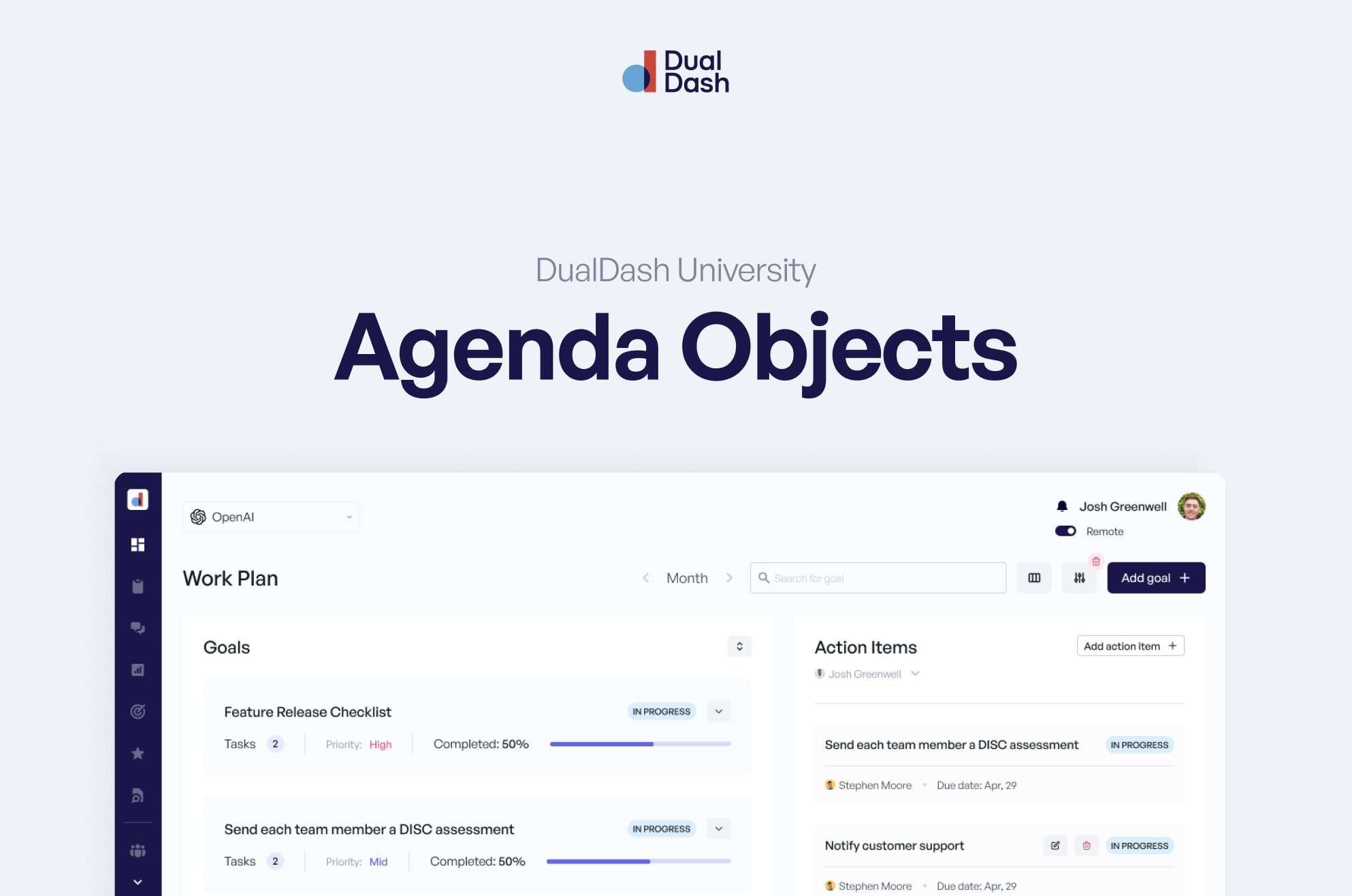
Your 1:1 is built from Agenda Objects — simple blocks that help both people show up prepared, aligned, and focused on growth.
Think of them as conversation starters with structure.
Each agenda item includes:
- Time – when it was added
- Title – what you want to discuss
- Avatar – who added it
Every item lives inside the meeting so nothing gets lost between conversations.
Actions You Can Take on Any Agenda Item
In the top-right corner of every agenda object, you’ll see a few options:
👁 Hide (Managers only)
Used when something shouldn’t be visible ahead of time — promotions, sensitive feedback, or time-based announcements.
Hidden items appear only to the manager until they’re ready to share.
⭐ STARs (Recognition)
Opens the recognition drawer so you can send praise right from the meeting.
This ties back to company values and shows up in the recipient’s recognition history.
Use this when someone shows up strong.
➡ Move to Next Meeting
Running out of time?
Move the item forward so it automatically appears on your next 1:1 agenda.
No need to rewrite it.
🗑 Delete
Removes the agenda item.
✅ Complete / Uncomplete
Mark items complete when they’ve been discussed.
Until the meeting is concluded, completed items can always be reopened.
Nothing is locked prematurely.
The Comment Field (Async + Hybrid Friendly)
Below your agenda is a chat-style comment area.
This is designed especially for:
- Non-desk employees
- Asynchronous updates
- Hybrid workflows
Use it to:
- Share updates before meeting
- Ask questions when you have downtime
- Leave notes if you won’t meet live
It works like lightweight chat — but stays tied to the meeting context.
Success Drivers
These appear automatically in every 1:1.
They’re role-based skills your company cares about — and your way to get clear feedback on how you’re developing in your current role.
They’re not generic.
They’re personalized to what success looks like for your job.
Over time, these help guide coaching conversations and growth plans.
Sentiment & Stress
You’ll see two simple sliders:
- Sentiment – how you’re feeling about work
- Stress – how heavy things feel right now
You can choose whether to share or not.
Just know:
Not sharing impacts your 1:1 Quality Score, because clarity and openness matter.
These sliders help your manager understand how you’re really doing — not just what’s getting done.
“Nothing to Add” (Yes, That’s a Real Agenda Item)
Some weeks are quiet.
That’s okay.
There’s even an agenda option called Nothing to Add — so you can signal you’re good without forcing filler topics.
Showing up prepared sometimes means saying, “I’m aligned.”
Why This Matters
Agenda Objects turn meetings into momentum.
They help you:
- Prepare without pressure
- Share updates on your schedule
- Get feedback tied to your role
- Surface stress early
- Recognize wins in real time
- Keep conversations moving forward
This isn’t about checking boxes.
It’s about making 1:1s useful.
