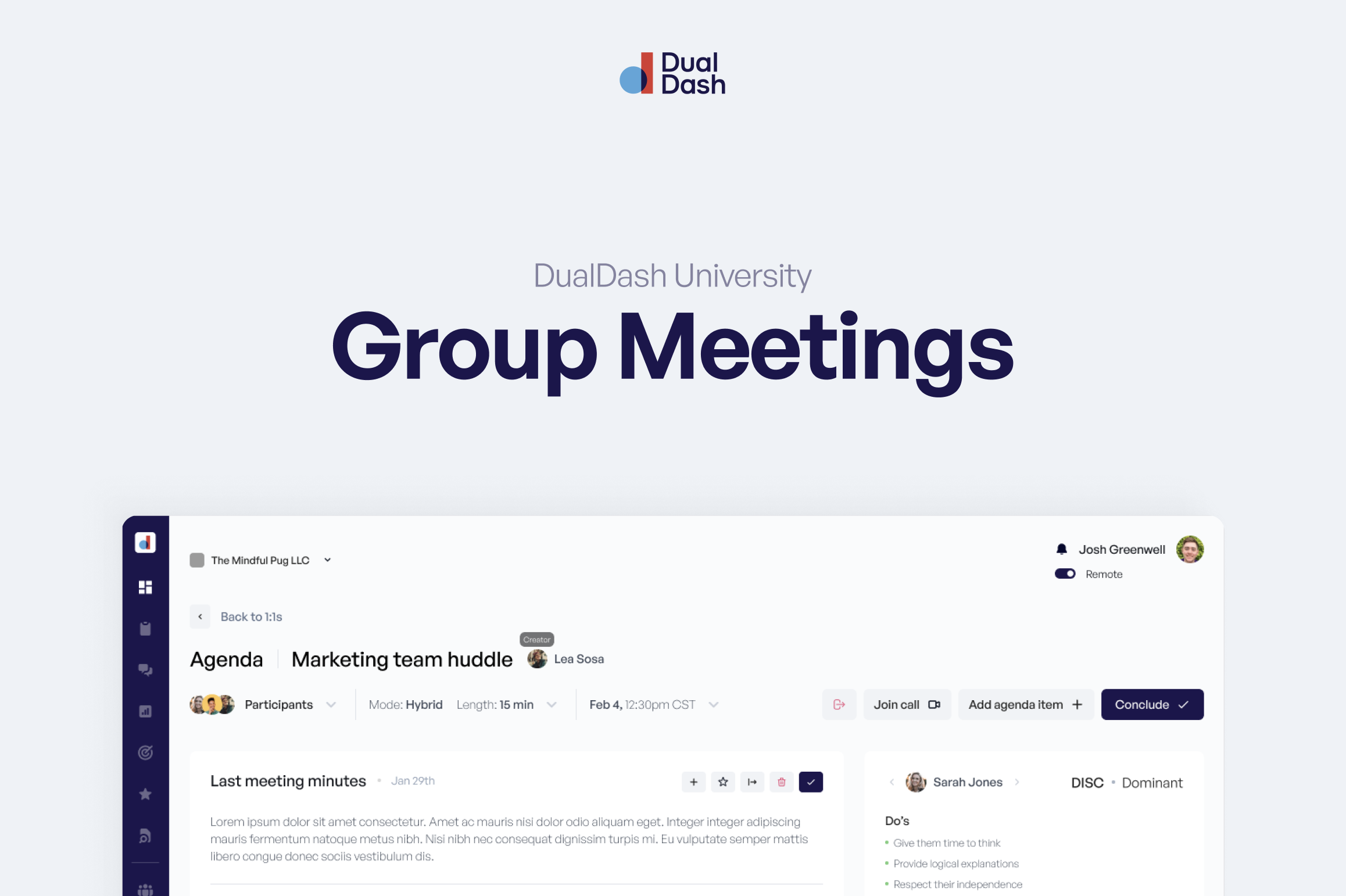
Your 1:1 is where alignment happens.
It’s where expectations become clear, feedback flows both ways, and small conversations turn into real progress.
Dual Dash is designed to make these conversations simple, consistent, and useful, not awkward or performative.
A great 1:1 is also a shared responsibility.
Managers create the space, establish a consistent rhythm, and provide coaching and support.
Employees come prepared, take an active role in the conversation, and own their performance and growth.
Here’s how to get started.
Step 1: Set Up Your 1:1
Managers, you go first.
Before an employee creates a Growth Plan, they need to have a 1:1 set up in Dual Dash.
This is important because the 1:1 is where you and your employee will regularly discuss their Growth Plan, progress, challenges, and next steps.
Already Have a 1:1 on Your Calendar?
Great. Keep it.
You don't need to change your existing meeting rhythm.
When setting up your 1:1 in Dual Dash, use the same day, time, and frequency as the 1:1 you already have scheduled.
If you don't have a recurring 1:1 yet, we recommend starting with a weekly or every-other-week rhythm.
The most important thing is consistency.
Sync Your Calendar
If your organization uses Outlook, start by connecting your calendar.
- Go to My Account
- Select Calendar Integration
- Choose Connect Outlook
- Authorize the integration
Depending on your organization's settings, you may need your IT Specialist to approve the connection.
Create Your 1:1
Navigate to Meetings and create a new meeting.
Make sure 1:1 is selected, then:
- Select the employee you're meeting with
- Give the meeting a title
- Choose the date and time
- Select the meeting length
- Choose how often the meeting repeats
- Select your meeting mode
Your meeting can be Asynchronous, Face-to-Face, or Hybrid, depending on how you and your employee work together.
Once everything looks right, save your 1:1.
Now your employee is ready to create their Growth Plan.
Step 2: Create Your Growth Plan
Employees, now it's your turn.
Once your 1:1 has been set up, create your Growth Plan.
Your Growth Plan helps you identify where you want to grow and gives you and your manager something specific to work on together during your 1:1s.
You'll start by answering your Career Direction question.
From there, you'll create a Growth Plan that identifies:
- What you want to develop
- The skill or competency you're working on
- What success looks like
- Your Growth Outcomes
- How you plan to develop
- The support you need from your manager
Once your Growth Plan is created, it will become part of your ongoing 1:1 conversations.
Learn how to create your Growth Plan →
Step 3: Prepare for Your 1:1
Now both of you have a role to play.
Before the meeting, take a few minutes to prepare.
Add Agenda Items
Open your upcoming 1:1 and add anything you'd like to discuss.
Employees might bring:
- Questions
- Roadblocks
- Wins
- Feedback
- Support they need
- Growth Plan progress
Managers might bring:
- Coaching
- Feedback
- Recognition
- Priorities or expectations
- Questions
- Follow-up from previous conversations
You don't need to fill the agenda just to fill it.
Bring what matters.
Nothing to Add?
Sometimes there isn't anything new to add.
That's okay.
Select Nothing to Add to let the other person know you've reviewed the meeting and don't have any additional agenda items.
You're never required to manufacture conversation.
The goal is alignment, not filling space.
Review What's Already in Motion
Before the meeting, review what's already in progress.
That might include:
- Growth Plan and Growth Outcomes
- Goals
- Tasks
- Previous action items
- Commitments from your last conversation
This keeps each 1:1 connected to the last one.
Step 4: Have Your 1:1
When it's time to meet, work through the agenda together.
You may:
- Talk about what's going well
- Work through a roadblock
- Review Growth Plan progress
- Give or ask for feedback
- Recognize a win
- Clarify expectations
- Create action items
- Agree on what happens next
Dual Dash provides the structure.
But it's still your conversation.
Be honest. Be present. Be specific.
Use Meeting Intelligence
If your organization has Meeting Intelligence enabled, you can use it to help capture the conversation.
Before Meeting Intelligence begins recording, everyone participating must give permission.
Once permission is granted, Meeting Intelligence can help capture:
- Notes
- Key points
- Action items
- Follow-up from the conversation
This allows both people to spend less time worrying about taking notes and more time being present in the conversation.
You have the conversation. Dual Dash helps you remember what matters.
Step 5: Follow Through
The 1:1 may be over, but the work isn't.
If you agreed to do something, follow through.
If you created an action item, complete it.
If progress was made on a Growth Plan, update it.
If someone deserves recognition, give it.
Then, when your next 1:1 comes around, you aren't starting over.
You can start with:
“Here's what we said we'd do. How did it go?”
That's how 1:1s become a consistent management rhythm instead of another meeting on the calendar.
Meeting Quality
Dual Dash includes a Meeting Quality Score to encourage the behaviors that make 1:1s more valuable.
The goal isn't to grade your conversation.
It's to encourage preparation, participation, and follow-through so your 1:1s continue getting better.
Privacy and Trust
Good 1:1s require trust.
Some information in Dual Dash is shared between the manager and employee. Other information may be private.
Tools like Sentiment and Stress help create better conversations and help leaders understand how their teams are doing.
Meeting Intelligence also requires permission from everyone participating before recording begins. If permission isn't provided, the 1:1 can continue without Meeting Intelligence.
Use these tools honestly and respectfully.
Remember the Order
Getting started with 1:1s in Dual Dash is simple:
1. Manager sets up the recurring 1:1
2. Employee creates their Growth Plan
3. Both prepare for the conversation
4. Have the 1:1
5. Follow through and do it again
You don't need to have the perfect 1:1.
You just need to build the habit of having meaningful conversations consistently.