
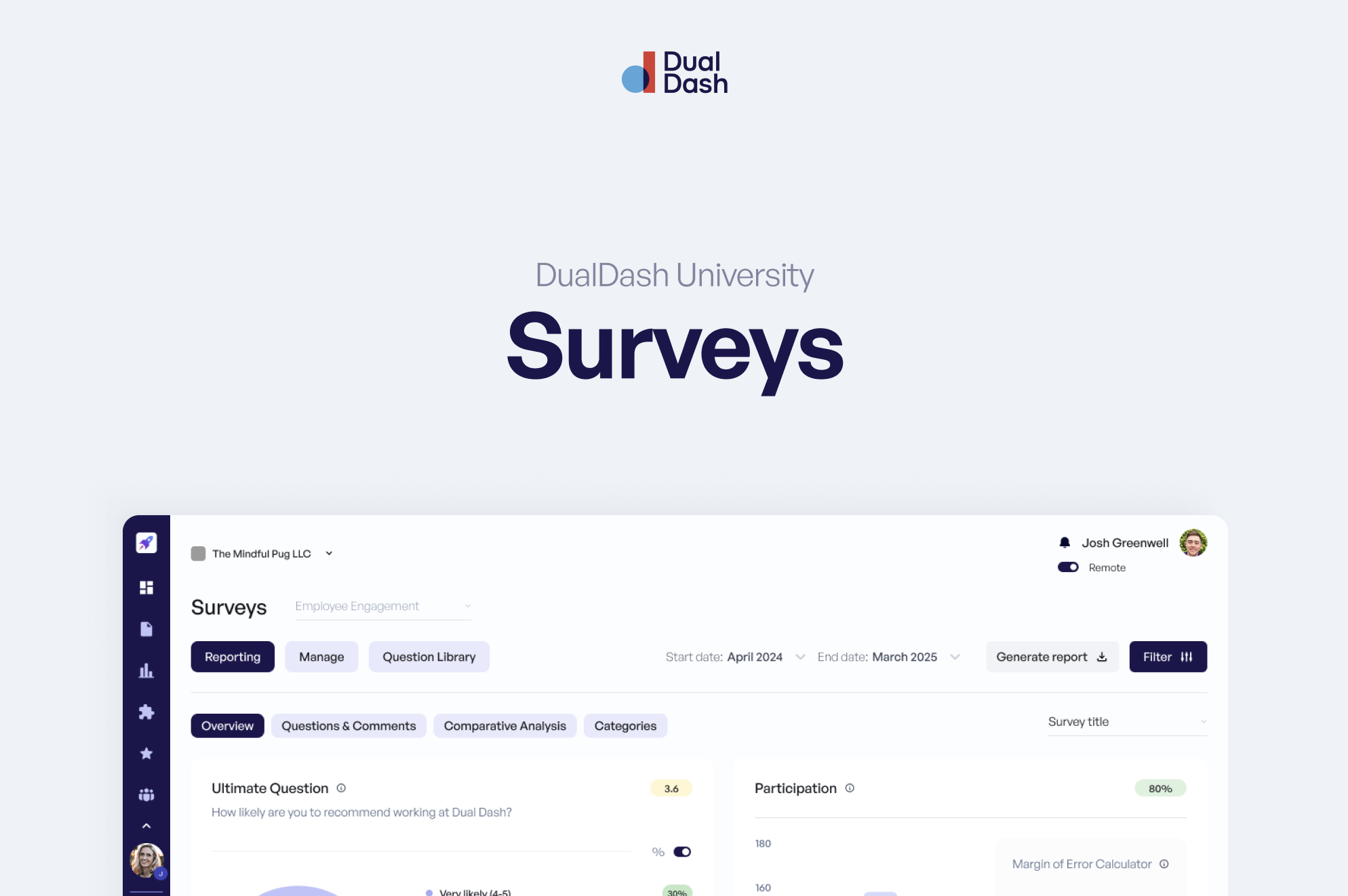
Surveys in Dual Dash capture feedback at key moments.
They help organizations understand:
- Employee experience
- Engagement
- Training effectiveness
- Onboarding and exit insights
Surveys are structured, confidential, and designed to drive action.
Survey Types
Dual Dash supports multiple survey types, each tied to a specific moment in the employee lifecycle.
Onboarding
Sent automatically to new employees.
Used to understand early experiences and identify onboarding gaps.
Employee Engagement
Measures how employees feel about their work, team, and organization.
Typically run on a recurring basis.
Employee Experience
Focuses on specific aspects of the workplace.
Used to gather targeted feedback on initiatives, teams, or processes.
Training Events
Scheduled around a specific training.
Includes:
- Pre-survey (before the event)
- Post-survey (after the event)
Used to measure effectiveness and impact.
Exit
Sent when an employee leaves the organization.
Captures insights on:
- Why they are leaving
- Their overall experience
Question Types
Surveys support multiple question formats:
- Likert scale (Strongly Disagree → Strongly Agree)
- Multiple choice
- Dichotomous (Yes / No)
- Open-ended
Each type is designed to capture different kinds of feedback.
Question Library
Each survey type includes a built-in question library.
These questions are:
- Validated
- Reliable
- Designed to produce meaningful insights
You can use them as-is or customize them to fit your organization.
Confidentiality
Confidentiality is a core part of Surveys in Dual Dash.
Minimum Group Reporting
Results are only shown when a minimum number of responses is met.
- Minimum threshold: 3 respondents
This protects individual identities when data is grouped.
Comments Access
- Only Admins can view individual comments
- Managers and employees do not have access to raw comments
This ensures feedback can be shared honestly.
Atlas AI Summaries
If enabled, Atlas can summarize survey comments.
Atlas:
- Identifies key themes
- Removes personally identifiable information
This provides insight without exposing individual responses.
Atlas is opt-in and controlled by the organization.
How Surveys Are Used
Survey results are used to:
- Identify trends
- Highlight strengths and gaps
- Inform action plans
- Support leadership decisions
Surveys are not just for collecting feedback — they are for improving how the organization operates.
What’s Next
Surveys capture feedback.
